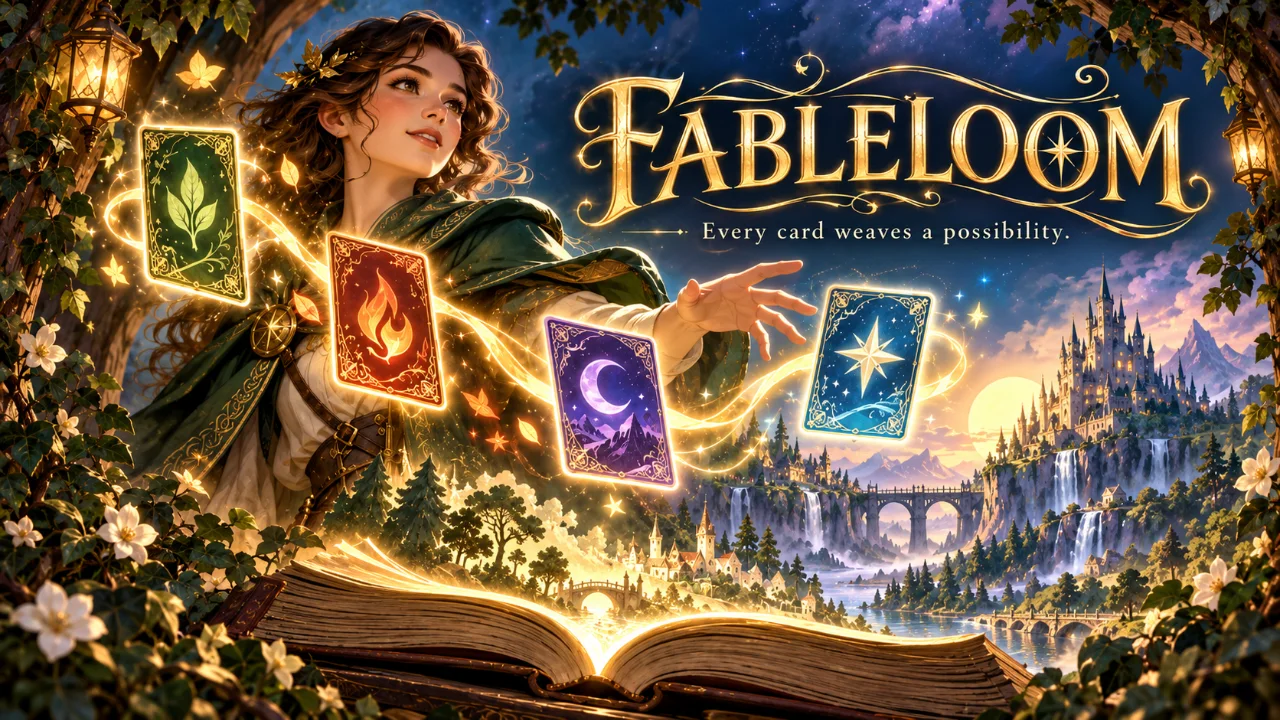
FABLELOOM
Solitaire roguelike where suits weave spells
FABLELOOM is a solitaire roguelike where cards played one rank up or down from the Anchor weave spells. Each card you play joins your Ribbon; three of one suit weave that suit's spell, and three different suits let you pick one. Aces connect to Kings.
The four suits each do something: Leaf's Bloom frees a covered card, Flame's Kindle changes a rank, Moon's Echo plays an equal rank, and Star's Waypoint moves the Anchor without breaking the Ribbon. A page is restored when you collect its three Story Seals and reach the score goal. Binding banks the whole Ribbon score, but you only get three Binds per page; a plain draw banks half.
Between pages you spend Ink in shops on relics and companions, then face the boss of each of five worlds, from the Mossbound Garden to the Inkbound Citadel. Quick Tale, Grand Tale, Endless Manuscript and a Daily Thread give four ways to play, and progress is saved in your browser.
How to play
Click or tap a card one rank higher or lower than the Anchor to play it; Ace and King connect. Every card you play extends your Ribbon. Three Ribbon cards of the same suit weave that suit's spell, and three different suits let you choose one. Press 1, 2 or 3, or click a spell, to cast it: Bloom frees a card with one cover link left, Kindle changes a rank, Echo plays an equal rank and Waypoint changes the Anchor without breaking the Ribbon. Press B to Bind and bank the full Ribbon score, up to three times per page. Space draws a new card, which banks half the pending score and ends the Ribbon. Clear the page by collecting all three Story Seals and reaching the score goal, then spend Ink in the shop before the next page. Esc pauses or closes a menu.
Controls
Keyboard
- Space
- Draw the next card
- B
- Bind and bank your Ribbon score
- 1-3
- Select a magical ability
- Escape
- Pause, close a menu, or cancel selection
- Tab
- Navigate interactive controls
- Enter
- Activate the focused button
Mouse
- Left Click
- Select or play a card
- Left Click
- Activate spells, buttons, and items
Touch
- Tap
- Select or play a card
- Tap
- Use spells, draw, bind, and navigate menus