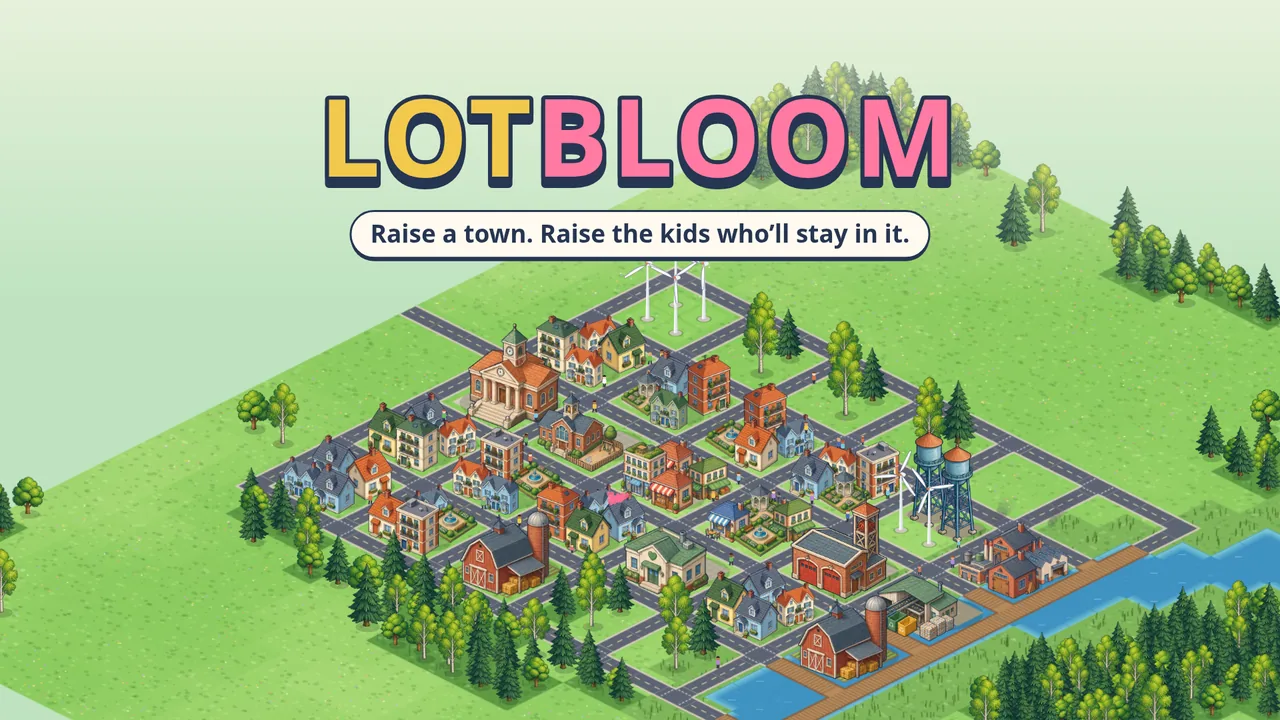
LOTBLOOM
Raise a town. Raise the kids who'll stay in it.
A painted isometric town builder where every house is a family. Lay roads, paint Homes, Shops and Workshops lots and the town builds itself, while you keep power, water, food and trash flowing and balance jobs, taxes and smoke. When kids grow up they pack a suitcase and look for a home near their parents: make room and they stay and start families of their own; fail them and they leave for good. Three scenarios with goals and deadlines, a Free Town with ranks, fires, spring floods, the odd twister, and ribbons to collect.
How to play
Goal: grow a happy town before the scenario's deadline (Free Town has none).
- Drag roads from the highway. Power, water, people and trucks travel along roads.
- Paint lots: Homes, Shops and Workshops. You only mark the land; a cottage goes up when a family claims a Homes lot, and shops and workshops open when there are more adults than jobs.
- Keep the five chips green: Power (wind turbines, power plant), Water (water towers, riverside pump), Food (farms), Trash (dump, recycling centre) and Jobs.
- Every house is a family. Adults need work. The yellow ring over a roof shows a kid growing up.
- Fledglings: a grown-up kid looks for a home within 10 tiles of their parents. Paint Homes lots nearby (pink flags mark lots held for family) or keep the street pretty and happy so homes grow taller. With no home for 3 months they leave town. Your stay rate is how many stayed.
- Parks, trees, schools, clinics and shops make families happier; workshops, the power plant and dumps make streets smoky. The Lens shows smoke, charm and services.
- Fire stations send a truck to fires within 10 tiles. Families who lose their home look for another one nearby.
- Money comes from taxes each month; upkeep costs money. A whole year in the red means bankruptcy.
Win a scenario to unlock the next. In Free Town, retire whenever you like.
Controls
Keyboard
- W A S D / arrows, Q / E
- Pan the map, zoom out / in
- 1 – 0
- Choose a tool group; press again for the next item
- Enter
- Act at the crosshair (twice to paint an area)
- Space / Tab
- Stop or restart time / change speed
- L / B / Esc
- Lens / budget / cancel tool or pause menu
Mouse
- Left click / drag
- Place a building, paint roads and lot areas
- Right or middle drag, wheel
- Pan the map, zoom
- Click a building (Inspect)
- See the families or workers inside
Touch
- Tap a tool, drag on the map
- Paint roads and lots; tap to place a building
- Two fingers
- Pan and pinch to zoom
- Long-press a building
- Inspect it
- Done
- Back to Inspect