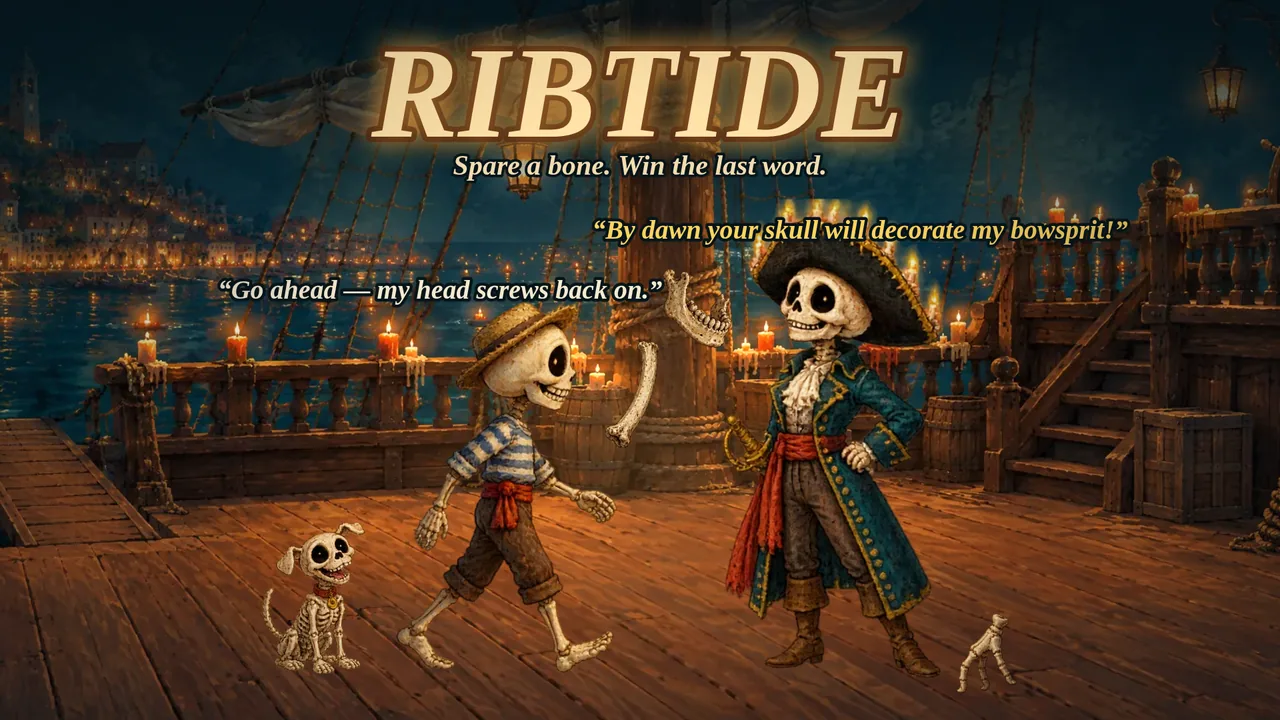
RIBTIDE
Spare a bone. Win the last word.
RIBTIDE is a candlelit point-and-click comedy set in Port Velorio, the harbour of the dead. Tib Candela slipped on a marigold petal, woke up a skeleton, and must get aboard the Last Candle before dawn. His own bones are his tools: send his hand crawling under the pier or up a drainpipe, throw his skull into a kitchen to distract the cook, give a rib to a guard dog. The way aboard runs through duels of comebacks: answer a taunt with the right line and a bone flies off your rival. You learn lines by losing to Pepa Clavo in the cantina and by reading the tombstones of dead duellists on the cliff. The Captain uses new taunts that need the same comebacks, and her last one can only be answered with proof of her passage racket. Six painted scenes, a journal with leads, autosave and Continue, for mouse, touch or keyboard.
How to play
Goal: get aboard the Last Candle and out-talk Captain Ofelia before dawn.
Walk by clicking or tapping the floor. Click people and things to act on them (talk, take, open, read); right-click to look. On touch, tap something once to get Look and action buttons, tap again to act.
The bar at the bottom holds Tib's bones (hand, skull, rib) and his items. Pick one, then pick something in the world to use it on. Pick two items in a row to combine them.
Duels: your rival throws a taunt and you choose a comeback. A fitting comeback scores and knocks a bone off your rival; a wrong one costs you a bone. Pepa wins at 3 points, but she tells you the right answer whenever you miss, so losing teaches you lines. The best comebacks are carved on tombstones. The Captain needs 4 good answers before 3 misses, then throws a final taunt that no words can answer. Lose to her and you are thrown overboard: you walk home along the bottom and can try again.
Stuck? The Journal (J) lists your goals, every comeback you know and a lead. Your voyage saves automatically; Continue picks it up.
Controls
Keyboard
- ← → / A D
- Walk
- Tab / E, Shift+Tab / Q
- Highlight the next / previous thing
- Enter / Space
- Act on the highlighted thing, advance dialogue
- L
- Look at the highlighted thing
- 1–9
- Pick a bone or item; choose a line in dialogues
- J / H
- Open the journal / show hotspots
- Esc
- Deselect, or pause
Mouse
- Left click
- Walk, or act on what you click
- Right click
- Look at something
- Click a bone or item
- Pick it, then click something to use it on
- Double-click an exit
- Leave the scene at once
Touch
- Tap the floor
- Walk
- Tap a thing, tap again
- Show Look / action buttons, then act
- Tap a bone or item
- Pick it, then tap something to use it on